

Bulk Tote Bags: Calculate an Order Quota by Demand and Carton
Direct answer: Bulk tote bags should be ordered as committed demand plus expected demand, plus a named buffer, rounded to complete cartons. Keep each variant and destination visible so the quota can be changed without losing the original logic.
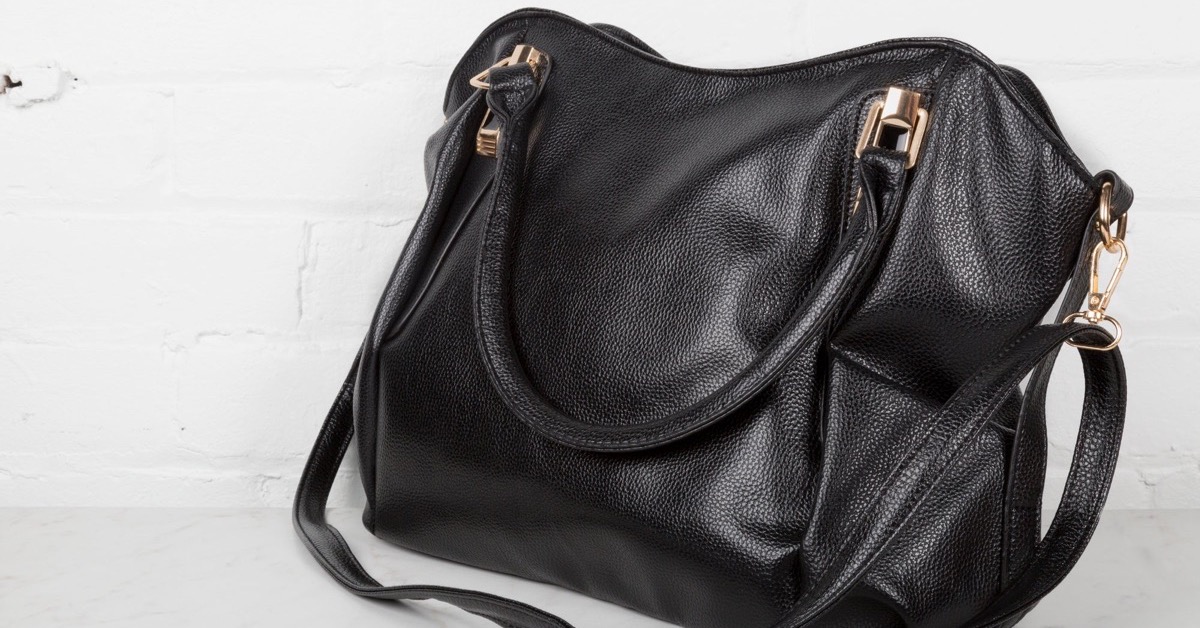
A bulk tote bags order often starts with a round number: 10,000 pieces, 50,000 pieces or one truckload. The number may be convenient and still be wrong for the locations, variants and replenishment points that will actually consume the bags.
PackMK uses an order quota formula that begins with committed demand, adds expected demand by variant, protects a named service buffer and rounds the result to cartons. The formula keeps extra stock visible and makes a large order easier to release in stages.
The order quota formula
Use one formula for the purchase order and the allocation plan.
| Quota component | How to calculate | What it protects |
|---|---|---|
| Committed demand | Confirmed stores, events or orders | Known consumption |
| Expected demand | Forecast by location and variant | Likely near-term use |
| Service buffer | Named percentage or piece rule | Late demand or defects |
| Carton round | Round up to pack quantity | Warehouse handling |
| Release quota | Assign cartons by trigger | Staged distribution |
PackMK keeps the buffer and carton round as separate lines so an extra carton is not mistaken for a forecast increase.
Separate committed from expected demand
A confirmed order should not be diluted by an optimistic forecast. Mark each quantity as committed, expected or optional, then let the buyer decide which bands belong in the first release.
PackMK carries the band into the variant table. If a campaign changes, the buyer can reduce optional pieces without reopening the committed allocation or losing the carton calculation.
Make variants part of the quota
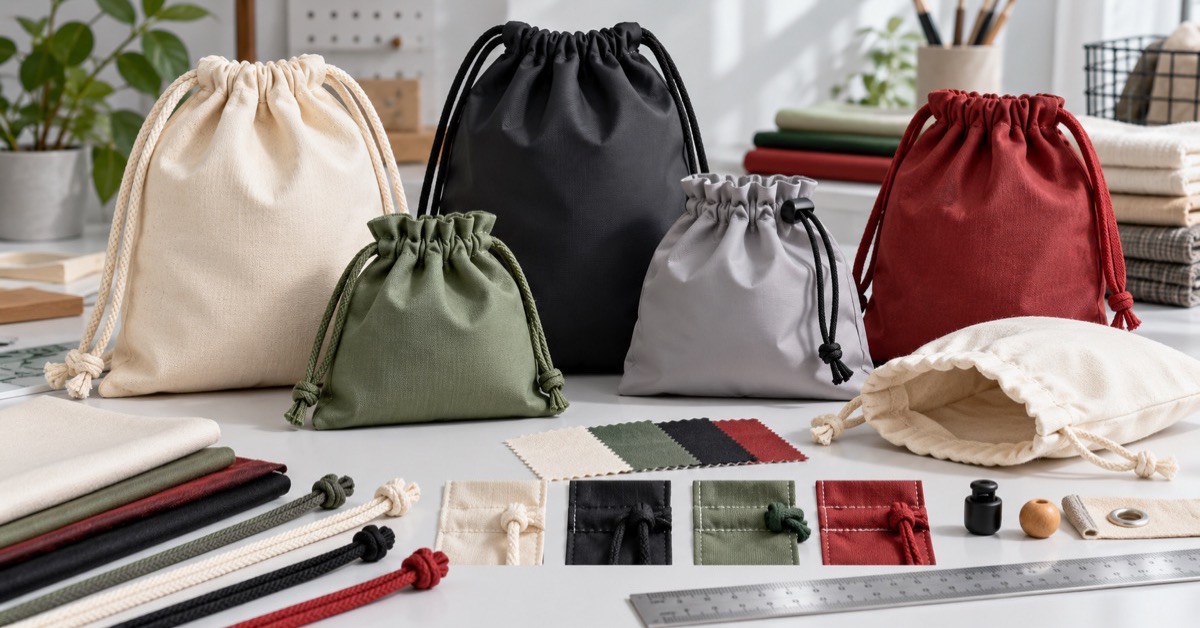
A tote bag programme may have several sizes, colours, handles or print versions. Each variant creates a production and packing decision, so a total quantity alone cannot tell the factory what to reserve.
PackMK groups variants by production change and assigns demand to each group. This lets the buyer see whether a small colour quantity creates a new setup or can share an existing print batch.
Choose the buffer rule deliberately
A buffer may cover forecast error, replacement pieces, a fixed event date or a minimum carton release. The right rule depends on the risk; a universal 10% can overstock one programme and underprotect another.
Name the buffer reason and owner. PackMK keeps the pieces held back from destination demand until the release trigger is met, so the buffer remains a real option instead of invisible waste.
Inputs needed for a bulk tote bags quota
Confirm these fields before a large quantity is quoted.
- Demand by location and confidence band.
- Quantity by size, colour and print version.
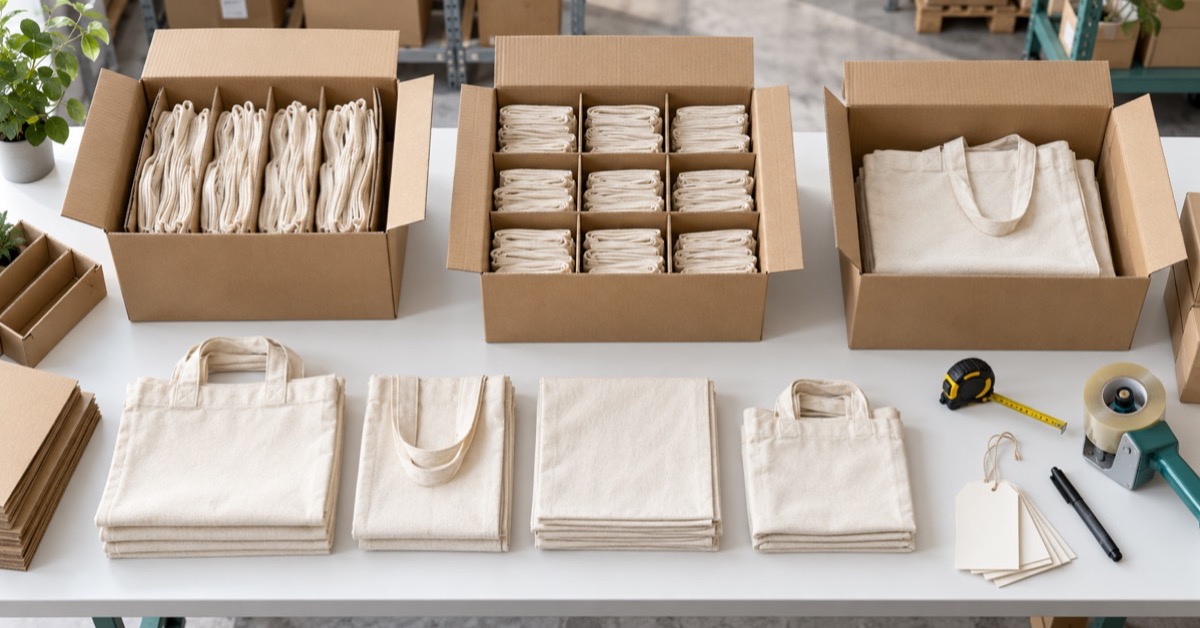
- Inner-pack and carton quantity.
- Arrival date and release sequence.
- Buffer rule and replenishment trigger.
PackMK uses the inputs to show the quota in pieces and cartons, not only as a single total.
Round the quota to cartons after the variant split
Rounding too early can add cartons to the wrong colour or leave a destination with a partial pack. Split demand first, apply the buffer, then round each variant or destination according to the actual packing rule.
PackMK displays both the exact requirement and the rounded release. The difference is visible and can be accepted, moved to buffer or reduced by changing the carton basis.
Quota decisions by scenario
Different demand patterns can produce different order choices even when the total forecast is similar.
| Scenario | Quota response | Why |
|---|---|---|
| One confirmed event | Protect committed cartons first | Date is fixed |
| Several stores, mixed confidence | Separate committed and expected | Demand can move |
| Many colours, small batches | Check setup and MOQ | Variant cost rises |
| Reusable programme | Add service buffer | Replacement demand matters |
| Staged warehouse release | Hold cartons by trigger | Avoid premature allocation |
PackMK documents the scenario beside the formula so the next buyer can understand why the quota was set.
Use the quota to negotiate carton and MOQ
A supplier's minimum order quantity may apply to the total, each colour or each print batch. The quota model exposes which MOQ creates a real excess and whether a shared base or a different pack quantity can reduce it.
PackMK asks for the MOQ basis in the quotation and shows its effect in cartons. A lower unit price is not useful if it forces several unneeded variants into the first release.
Link the quota to replenishment
A bulk order should include a signal for the next order. That signal might be a stock threshold, a store opening, a campaign date or a lead-time window.
PackMK records the trigger with the held buffer and the supplier basis. The buyer can replenish against an actual threshold instead of waiting until the warehouse is empty and then asking for an emergency run.
Red flags in a bulk tote bags quantity plan
Pause when the quota cannot answer these questions.
- Why is the total a round number?
- Which pieces are committed?
- Which variants create separate setups?
- Who owns the buffer?
- What triggers the next release?
PackMK turns each question into a visible line in the quota before a purchase order is approved.
Close with an actual-versus-plan review
After the first release, compare pieces consumed, cartons opened, variants left, buffer use and any damage or replacement. The review makes the next quota more accurate without pretending the first forecast was perfect.
PackMK keeps the formula and the actual movement together. A buyer can then improve the buffer, carton round or variant split from evidence rather than from a new convenient round number.
Case example: a tote order where cartons mattered more than pieces
A retailer forecast 24,000 tote bags across six locations and rounded the purchase order to 25,000. The carton pack differed by colour, leaving two stores short while another held mixed excess cartons.
PackMK rebuilt the quota by variant and destination, added a named service buffer and rounded each split to complete cartons. The final piece total changed only slightly, but every destination received a countable release and the buffer had an owner.
References for tote order and shipment planning
“Incoterms rules help to avoid costly misunderstandings by clarifying the tasks, costs and risks involved in the delivery of goods.”
A transparent quota benefits from recorded quality and delivery assumptions, especially when cartons are released across several destinations. Buyers can consult ISO quality management principles and ICC Incoterms rules overview for additional context. These references do not certify a particular PackMK order.
Write a bulk tote bags brief
A practical bulk tote bags brief should name committed demand, variant split, service buffer, carton round. It should also identify MOQ, carton mark, replenishment trigger, Incoterms 2020 wherever they affect approval, production, packing or delivery. PackMK uses those fields to organize samples, quotation assumptions and release evidence.
Keep the bulk tote bags formula proportionate
A one-variant order for one destination can use a simple carton calculation. Use the full quota when demand has confidence bands, several variants, staged releases, minimum order quantities or a reusable service expectation.
Set a bulk tote bags order quota with PackMK
Send PackMK demand by location, variant, carton pack, arrival date and buffer rule. We will return a quota showing committed pieces, expected pieces, held stock and the carton releases that support them.
- Review PackMK packaging formats
- See PackMK OEM and ODM services
- Read about PackMK
- Send PackMK a packaging brief
Common questions about bulk tote bags
How should I calculate a bulk tote bags order?
Start with committed and expected demand by location and variant, add a named service buffer, then round each split to complete cartons. Keep the exact and rounded quantities visible.
Why separate committed and expected demand?
Confirmed demand deserves protection while forecast demand can move. Separating the bands lets a buyer reduce optional pieces without disturbing the core allocation.
Should I include every colour in the first order?
Only when the demand or MOQ supports it. A small colour quantity can create a separate setup and excess stock, so show the production and carton effect before deciding.
What is a service buffer?
It is stock held for a named risk such as replacement, a fixed event date or late demand. Record the reason, pieces and release owner instead of adding an unexplained percentage.
When should I round to cartons?
After splitting demand by variant and destination. Rounding earlier can add cartons to the wrong colour or leave a location with a partial pack.
How do MOQ rules affect tote quotas?
Confirm whether MOQ applies to the total, each size, colour or print batch. The quota should show which MOQ creates excess and whether a shared setup changes it.
How can I plan replenishment?
Set a trigger such as a warehouse threshold, store opening or lead-time window, then connect it to the approved material, carton and supplier basis.
Why count cartons instead of only pieces?
Cartons are received, stored and released as operational units. Piece totals can hide mixed variants or a destination that cannot use a partial carton.
What should I review after the first release?
Compare actual consumption, carton openings, variant balance, buffer use and damage or replacement. Use those facts to adjust the next quota.
What should a bulk tote bags brief contain?
Include demand bands, variants, packing, destinations, arrival dates, buffer reason, MOQ basis and replenishment trigger. PackMK uses those fields to build the quota.