

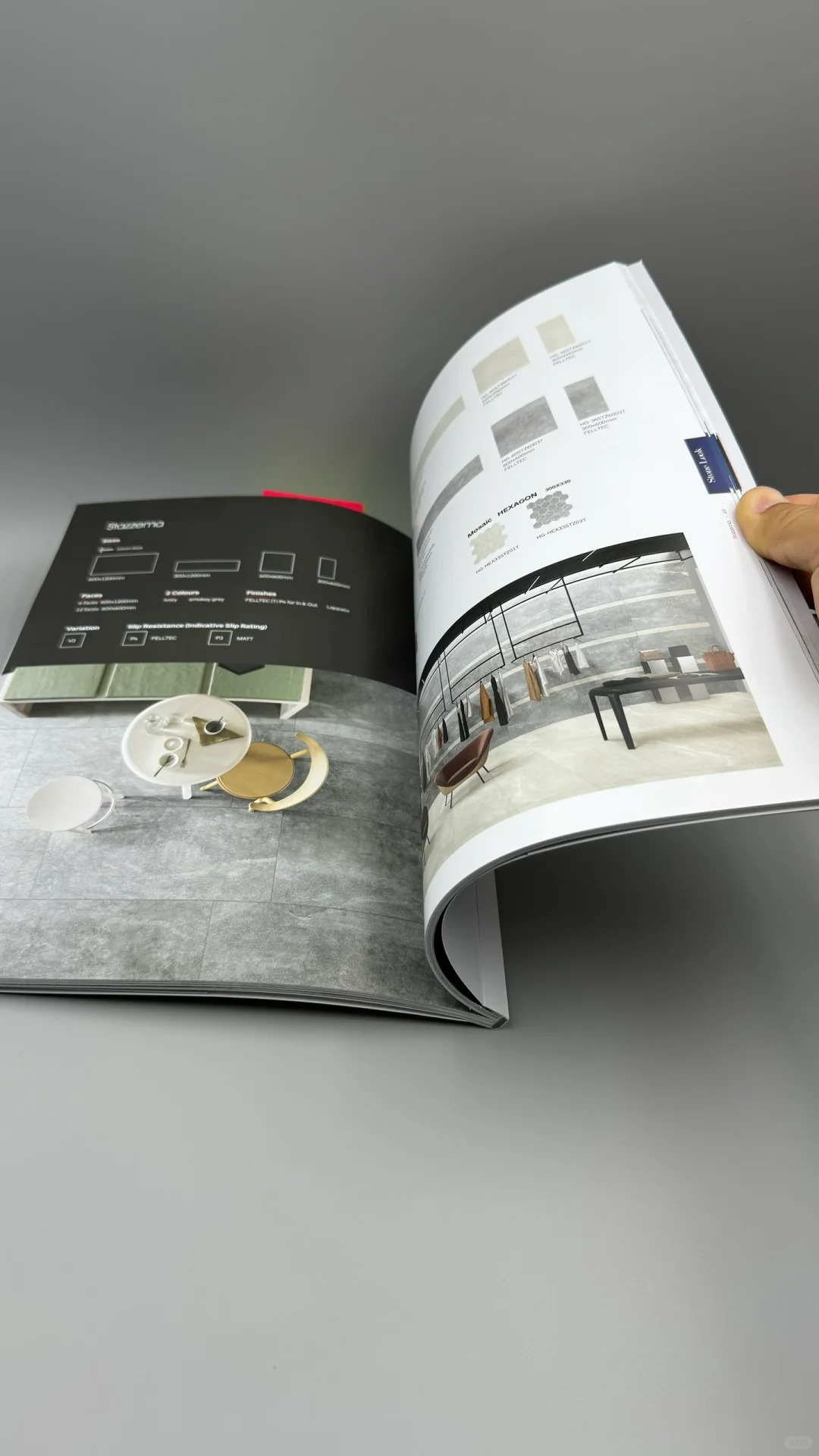
A booklet file can look orderly on screen and become awkward after folding and binding. A heading may sit too close to the spine, a dark image may show through thin paper, or the cover may spring open. Buyers planning custom booklet printing should review the finished object, not only individual PDF pages.
PackMK supports printed booklets, presentation materials and related packaging print work. A complete request includes final trim size, page count, quantity, paper preference, binding, color requirement, finish and delivery packing. These choices affect one another, so they should be approved as one specification.
Let page count guide the binding choice
Different binding methods suit different thicknesses and uses. A short promotional booklet may need to open quickly at an event. A manual may be handled repeatedly. A presentation piece may need a stronger cover. In custom booklet printing, page count and paper thickness should be reviewed before the spine and cover artwork are finalized.
| Booklet use | Production priority | Proof check |
|---|---|---|
| Product catalog | Image sequence and color consistency | Turn every spread in order. |
| Instruction manual | Legibility and durable binding | Open frequently used pages repeatedly. |
| Sales presentation | Cover impact and clean finishing | Inspect corners, coating and trim. |
| Event handout | Low bulk and easy distribution | Count, stack and pack finished copies. |
Prepare artwork at the final trim size
Set the correct page size, bleed, margins and image resolution before exporting the print file. Keep small text and page numbers away from trim and binding areas. Spreads that cross the center need extra attention because part of the image can disappear into the fold or spine.
Use paper and finish to support the job
Heavy paper is not always better. It can increase thickness, resist folding and change how the booklet opens. Gloss, matte or uncoated surfaces also affect image contrast, writing and handling. Review physical samples under normal lighting rather than choosing from names alone.
Proof the folded and bound booklet
A digital PDF review remains important, but a physical proof reveals imposition, folding, trimming and binding issues. Check page order, orientation, color, blank pages, crossovers and cover alignment. Adobe's advanced PDF print settings guide can help artwork teams review common output controls before files are supplied.
Define bulk packing before print approval
- View PackMK booklet and presentation printing
- Review PackMK printing capabilities
- Send booklet files for a quotation
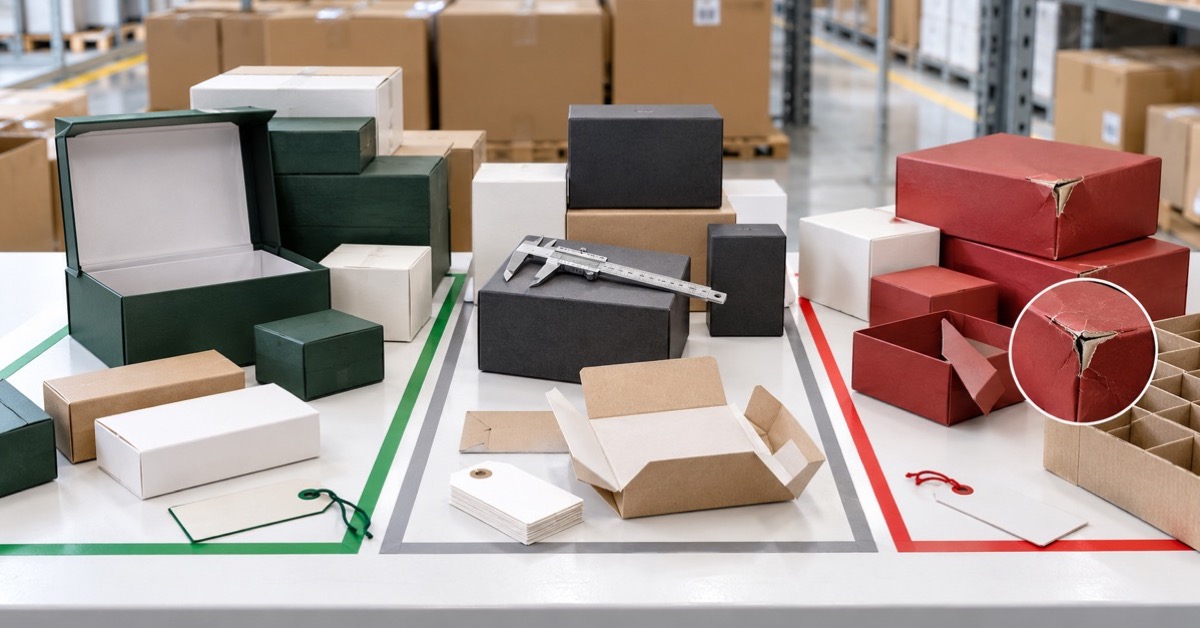
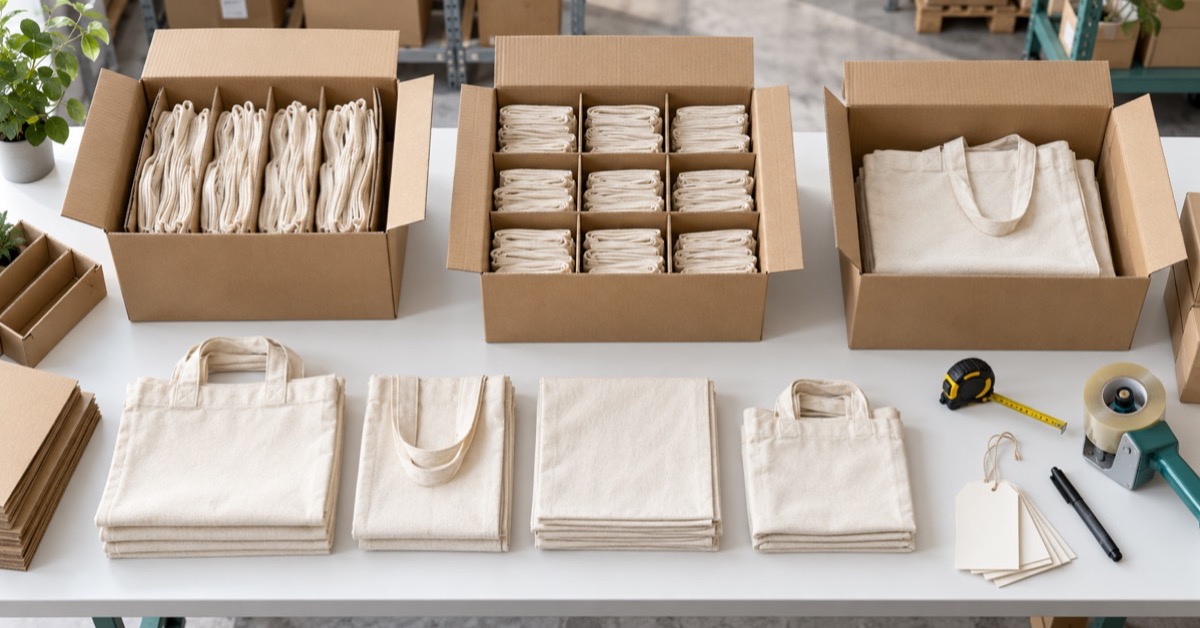
Booklets can pick up bent corners or surface marks after printing. Specify stack quantity, wrapping, dividers and carton limits based on the finish and delivery route. Keep the approved proof, paper, binding and packing record with future custom booklet printing purchase orders.
Booklet production questions
What files are needed for custom booklet printing?
Supply a print-ready PDF at final size with bleed, embedded images, correct page order and clearly defined cover pages.
How is booklet binding selected?
Binding depends on page count, paper thickness, finished use, opening behavior, appearance and budget.
Is a physical booklet proof necessary?
It is strongly recommended because it reveals folding, page order, trim, binding and paper behavior that a screen cannot show.
What affects a booklet printing quote?
Trim size, page count, paper, color, binding, finish, quantity, proofing and final packing all affect the quotation.